flowcam provides a tidy interface to the USGS National Imagery Management System (NIMS), the API that stores and serves images collected by stream-gage cameras across the United States. Discover cameras, list and download images, and assemble them into animated GIFs or MP4 videos — all from R.
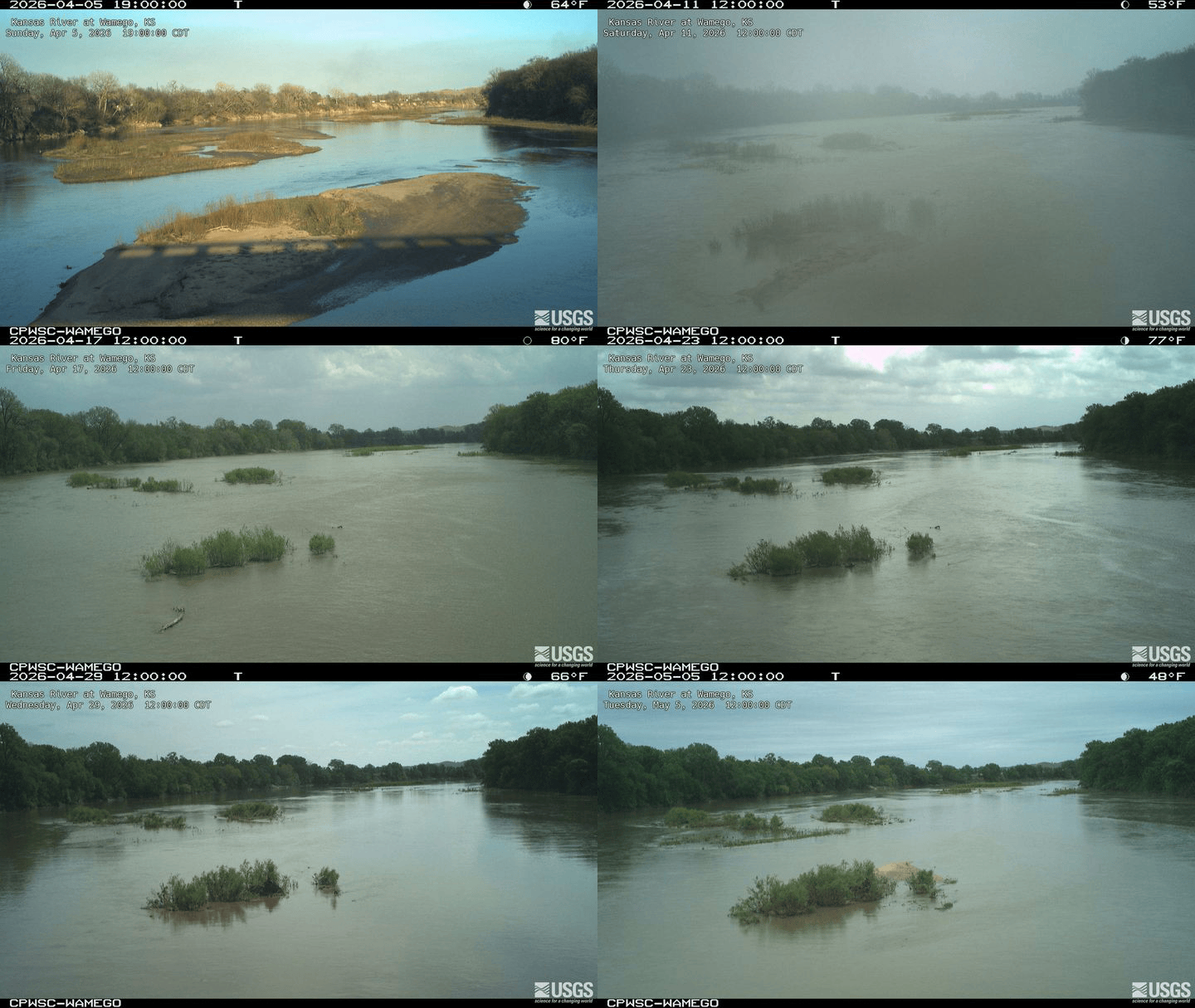
Kansas River at Wamego, KS — 30 days at one frame per day
Installation
Install from R-universe:
install.packages(
  "flowcam",
  repos = c("https://connorb.r-universe.dev", "https://cloud.r-project.org")
)
Alternatively, install the development version from GitHub:
# install.packages("pak")
pak::pak("ConnorB/flowcam")
Quick start
library(flowcam)

# Store your free USGS API key (one-time setup)
set_usgs_api_key("your_api_key_here")

# Find the camera at the Kansas River at Wamego, KS
cam <- find_cameras(site_id = "06887500")

# List the 20 most recent images with timestamps
list_images(cam$camId, limit = 20, raw_item = TRUE)

# Download the last 30 days of images
dest <- file.path(tempdir(), "kaw")
dir.create(dest)

date_range <- c(Sys.Date() - 30, Sys.Date())

download_images(
  cam_id   = cam$camId,
  dest_dir = dest,
  size     = "small",
  time     = date_range
)

# Assemble into an animated GIF (one frame per day, 10 fps)
make_gif(dir = dest, fps = 10, one_per_day = TRUE, output = "kaw.gif")

# Or an MP4 video
make_video(dir = dest, fps = 10, one_per_day = TRUE, output = "kaw.mp4")
Core functions
| Function | Description |
|---|---|
find_cameras() |
Retrieve camera metadata; filter by NWIS site number or camera ID |
find_gage_cameras() |
Like find_cameras(), plus NWIS site attributes (drainage area, HUC, state) via dataRetrieval
|
list_images() |
List image filenames for a camera; filter by time window |
download_images() |
Download images to a local directory; resumes safely if interrupted |
make_gif() |
Assemble images into an animated GIF |
make_video() |
Assemble images into an MP4 video |
Authentication
Register for a free key at https://api.waterdata.usgs.gov/signup/. Unauthenticated requests work but share a rate-limit pool. Store the key once and it persists across sessions:
set_usgs_api_key("your_api_key_here")flowcam uses the same API_USGS_PAT environment variable as dataRetrieval, so one key covers both packages.
Learn more
- Getting started — authentication, discovering cameras, listing images, downloading, and creating GIFs and videos in one walkthrough.
-
Comparing two Pecos River gages — use
find_gage_cameras()to enrich camera records with watershed metadata, download images from two sites on the same river reach, and produce a GIF and video to track a flow event moving downstream. - Function reference — complete documentation for all exported functions.